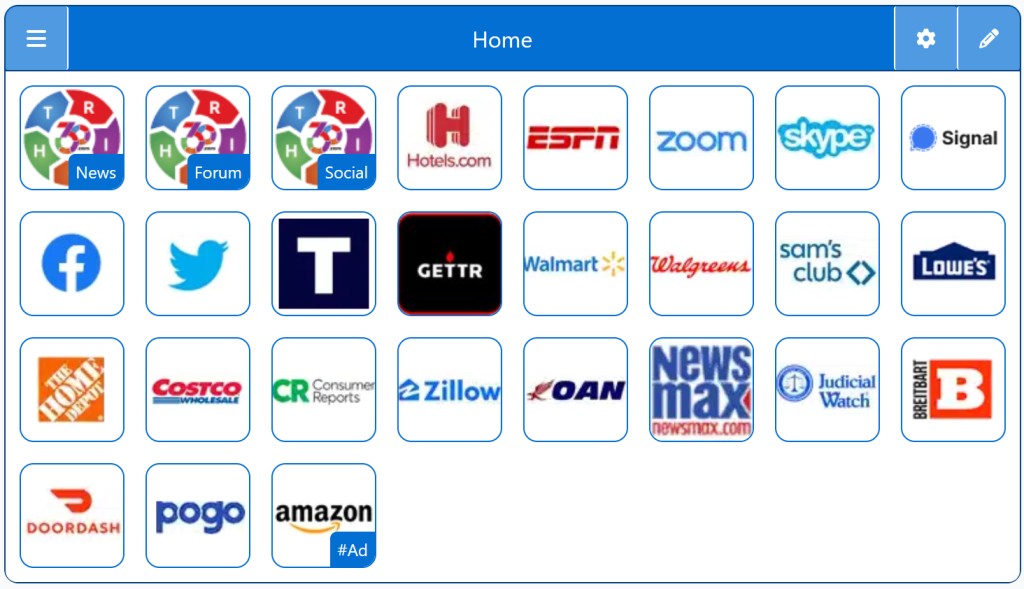
Uncensored search engines provide open access to information without political filtering, shadowbanning, or algorithmic suppression. These platforms prioritize transparency and neutrality, allowing users to explore the web without hidden ranking biases. This page highlights engines that support free expression and resist centralized control.
A StartPage is a simple way to explore the web without tracking, profiling, or personalized filtering. For users who want a more neutral search experience, StartPage offers private access to Google‑quality results without storing your data or shaping what you see.
StartPage does not build behavioral profiles, does not personalize results, and does not keep a search history. It’s a straightforward option for people who want predictable, unpersonalized search results with strong privacy protections.
Personalized StartPage
Top 1% Web Sites
Top Websites
Conservative Sources
StartPage Links/Sites
Customizable/Sharable
A Living Network of Stunning Sources
You are a part of something big; when users, just like you, find stunning sites, the cream of the crop, they suggest it for inclusion to our conservative database. The top 1% of sites, for each category, is added to our database for inclusion to your Homepage Startup Page.
“I switched to a StartPage because I was tired of feeling like my searches were being shaped around me. This feels cleaner and more straightforward.”
— Mark Ellison, Ohio
★★★★★Rated 5 out of 5
“I like that a StartPage doesn’t track anything. It just works, and I don’t have to think about who’s collecting what.”
— Rachel Porter, Colorado
Trusted by 16,000+ Users @ Month
Uncensored Search Engines All-in-One Platforms
A StartPage is not an extreme “uncensored” search engine — it’s a privacy‑driven, neutral search option that avoids the tracking and personalization many users associate with censorship. If you want Google‑level results without the surveillance, a StartPage is one of the strongest choices available.
This browser wasn't detected. The following Instructions are intended for the Firefox Browser... maybe your browser has similar steps.
Other Quick Set
Drag/Drop
CAVEAT: Many browsers are hiding this option to keep you on their chosen site. The Video will cover how to get your Homepage Button/Icon back.
Other Video
Other Step-by-Step
With the Firefox Browser Open, perform the following:
Upper Right Corner, Find/Select the Hamburger Menu Icon (3-lines), Slide down to Find/Select “Settings“.
In the left column, select “Home”, then on the right, select “New Windows and Tabs”. Select “Custom URLs…” and enter: Right360.com or enter your customized Right360.com/URL. Click Save.