Search Engines Not Owned by Big Tech

Independent search engines offer a way to escape the influence of Google, Microsoft, and other Big Tech platforms. These engines operate without relying on corporate‑controlled indexes, giving users more privacy, less tracking, and a search experience free from centralized control. This page highlights the best non‑Big‑Tech search engines and explains why independence matters for privacy, censorship resistance, and unbiased results.

Free Start Pages

Search Engines:

Search Engines Not Owned by Big Tech

Why Independent Search Engines Matter

Big Tech controls most of the search market. Independent engines provide:

  • Freedom from corporate influence

  • Alternative indexes not tied to Google

  • More diverse search results

  • Stronger privacy protections

  • Options for users who want something different

These engines are essential for a healthier, more open internet.


Featured Independent Search Engines

  • Mojeek — Fully independent index, UK‑based, no tracking

  • Brave Search — Independent index with privacy‑first design

  • Qwant — European search engine not tied to Big Tech

  • Swisscows — Family‑friendly, privacy‑focused, independent

Right Search Engines

Top 1% Conservative Sites

Top Conservatives

Conservative Sources

Conservative Links/Sites

Customizable/Sharable

A Living Network of Stunning Sources

You are a part of something big; when users, just like you, find Right leaning Search Engines, the cream of the crop, they suggest it for inclusion to our database.  The top Search Engines are added to our Start Pages for easy access.

Rated 5 out of 5

“I want search engines that aren’t controlled by the same three companies.”

— Evan D., Montana
Rated 5 out of 5

“Mojeek feels like the old web — independent and honest.”

— Laura K., Idaho

Trusted by 16,000+ Users @ Month

Being Right has never been so easy!

For Conservatives, Constitutionalists, Family, Independents, Libertarians, Moderates, Patriots, and all those who want to be Right.

Free Start Pages

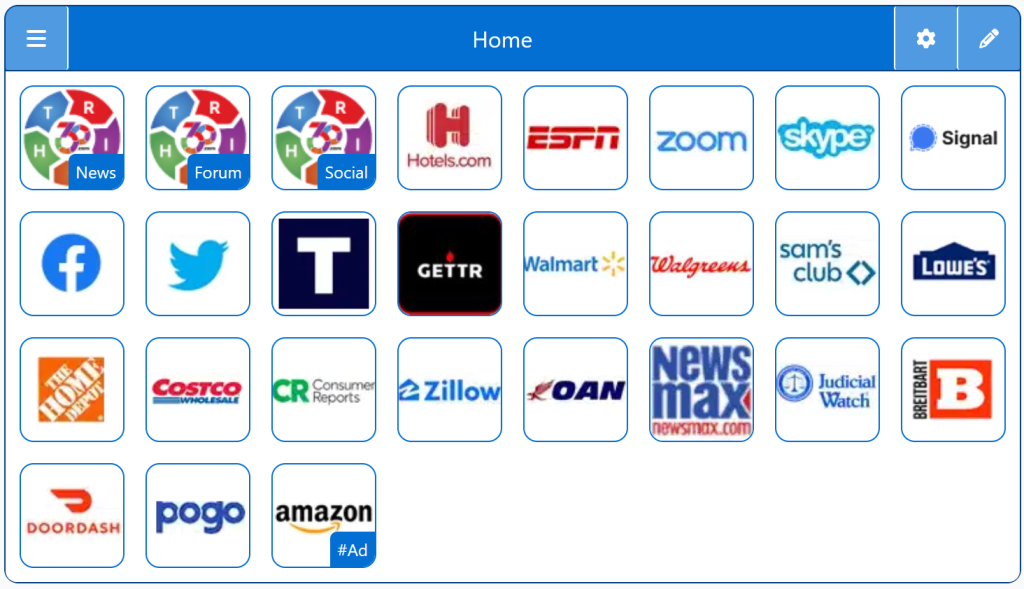
StartPage - Conservative Search Engines
Demo/Example

Chrome: Set HomePage/StartPage

The following Instructions are intended for the Chrome Browser.

Chrome Quick Set

Chrome-Drag-URL-to-Home-Icon
  1. Drag/Drop

CAVEAT: Many browsers are hiding this option to keep you on their chosen site. The Video will cover how to get your Homepage Button/Icon back.

Chrome Video

Chrome Step-by-Step

With the Chrome Browser Open, perform the following:

  1. Upper Right Corner, Find/Select the Options Button/Icon (3-dots),  Slide down to Find/Select “Settings“.
  2. On the left menu, select “Appearance”.  Toggle the “Show home button”. In the “Open a specific page or set of pages”. Click “Add a new page” and enter: Right360.com or enter your customized Right360.com/URL. Click Save.