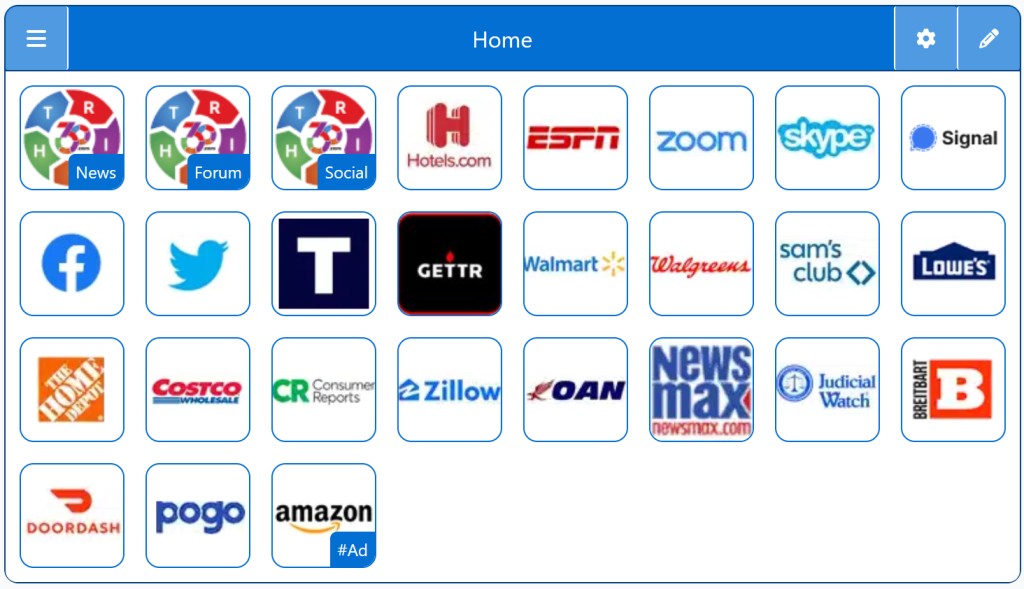
Search engines for conservatives are built to deliver unbiased results without the political filtering found on many mainstream platforms. These engines emphasize privacy, transparency, and free expression. They are ideal for users who want a homepage that aligns with conservative values and avoids Big Tech influence.
This guide gives you a quick look at search engines that appeal to conservative users who want fewer filters and more control over what they see online. You’ll find:
Search engines with minimal political bias
Platforms that avoid suppressing results
Privacy‑focused alternatives
Tools built around free‑speech values
Why This Matters
Many mainstream search engines rely on algorithms that shape what you see, often in ways that aren’t obvious. Conservative users sometimes prefer platforms that keep things simple and avoid heavy content steering. These alternatives help you explore information with more transparency and less filtering.
Key Features
Balanced results without aggressive algorithmic shaping
Less political filtering compared to major search engines
Options that emphasize privacy and anonymity
Straightforward, clutter‑free interfaces
Platforms that value open access to information
How It Compares
Search engines favored by conservatives tend to focus on:
Reduced content suppression
More viewpoint diversity
Less tracking and profiling
A clean, no‑nonsense search experience
They’re not meant to replace every tool you use — just to give you more choice and control.
Personalized StartPage
Top 1% Web Sites
Top Websites
Conservative Sources
StartPage Links/Sites
Customizable/Sharable
A Living Network of Stunning Sources
You are a part of something big; when users, just like you, find stunning sites, the cream of the crop, they suggest it for inclusion to our conservative database. The top 1% of sites, for each category, is added to our database for inclusion to your Homepage Startup Page.
This browser wasn't detected. The following Instructions are intended for the Firefox Browser... maybe your browser has similar steps.
Other Quick Set
Drag/Drop
CAVEAT: Many browsers are hiding this option to keep you on their chosen site. The Video will cover how to get your Homepage Button/Icon back.
Other Video
Other Step-by-Step
With the Firefox Browser Open, perform the following:
Upper Right Corner, Find/Select the Hamburger Menu Icon (3-lines), Slide down to Find/Select “Settings“.
In the left column, select “Home”, then on the right, select “New Windows and Tabs”. Select “Custom URLs…” and enter: Right360.com or enter your customized Right360.com/URL. Click Save.