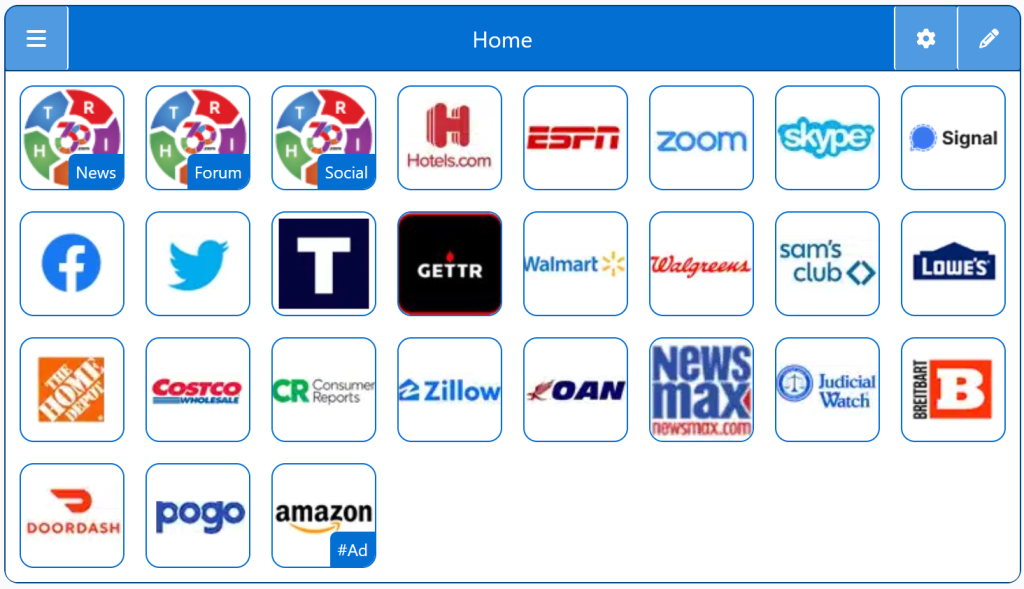
Make This My Homepage

Setting a custom homepage gives you control over what your browser shows every time you open it. Instead of being forced into Google, MSN, Yahoo, or a branded default page, you can choose a StartPage that reflects your needs and preferences. This guide explains how to make any page your homepage on all major browsers so you can start every session with a clean, personalized layout.

Free Start Pages

StartPage:

Make This My Homepage

Homepage Startup Page is an essential tool for anyone who values staying updated with top conservative news sources. One of the standout benefits is its user-centric design. The platform aggregates the best conservative news websites, ensuring users have immediate access to a diverse range of viewpoints and reliable information without the need to sift through multiple sources.

The ease of navigation is a significant advantage. Users are greeted with a well-organized layout that prioritizes ease of use, making it simple to find the latest news, articles, and opinion pieces. This streamlined approach saves time and enhances the user experience, allowing individuals to focus on reading and understanding the content rather than searching for it.

Personalization is another key feature. Right360 allows users to customize their homepage, selecting specific news sources and topics of interest. This tailored experience ensures that users receive the most relevant news updates, aligning with their preferences and interests.

Additionally, Right360 fosters a sense of community among its users. By bringing together like-minded individuals, the platform promotes informed discussions and a balanced perspective on current events. Users can engage with each other, share insights, and broaden their understanding of various issues.

Overall, Right360 Startup Pages are a comprehensive tool for staying informed, providing a personalized, efficient, and community-oriented news experience.

Personalized StartPage

Top 1% Web Sites

Top Websites

Conservative Sources

StartPage Links/Sites

Customizable/Sharable

A Living Network of Stunning Sources

You are a part of something big; when users, just like you, find stunning sites, the cream of the crop, they suggest it for inclusion to our conservative database.  The top 1% of sites, for each category, is added to our database for inclusion to your Homepage Startup Page.

Rated 5 out of 5

Right360 Homepage Startup Page aggregates top conservative news sites into a personalized homepage. It ensures quick access to reliable conservative viewpoints, saves time, and promotes informed discussions. Its user-friendly design and customization options make staying updated effortless, fostering a community of well-informed individuals.

Daniel Lee
Rated 5 out of 5

Right360 Homepage Startup Page efficiently consolidates top conservative news sources, making it a breeze to stay informed. The intuitive design and customization options ensure users get relevant updates quickly. It promotes a community of informed conservatives, facilitating insightful discussions and a balanced understanding of current events. A must-have for conservatives!


 

Megan Wilson

Trusted by 16,000+ Users @ Month

Being Right has never been so easy!

For Conservatives, Constitutionalists, Family, Independents, Libertarians, Moderates, Patriots, and all those who want to be Right.

Free Start Pages

StartPage - Make this My Homepage
Demo/Example

Chrome: Set HomePage/StartPage

The following Instructions are intended for the Chrome Browser.

Chrome Quick Set

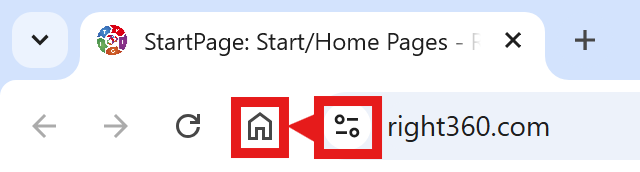
Chrome-Drag-URL-to-Home-Icon
  1. Drag/Drop

CAVEAT: Many browsers are hiding this option to keep you on their chosen site. The Video will cover how to get your Homepage Button/Icon back.

Chrome Video

Chrome Step-by-Step

With the Chrome Browser Open, perform the following:

  1. Upper Right Corner, Find/Select the Options Button/Icon (3-dots),  Slide down to Find/Select “Settings“.
  2. On the left menu, select “Appearance”.  Toggle the “Show home button”. In the “Open a specific page or set of pages”. Click “Add a new page” and enter: Right360.com or enter your customized Right360.com/URL. Click Save.