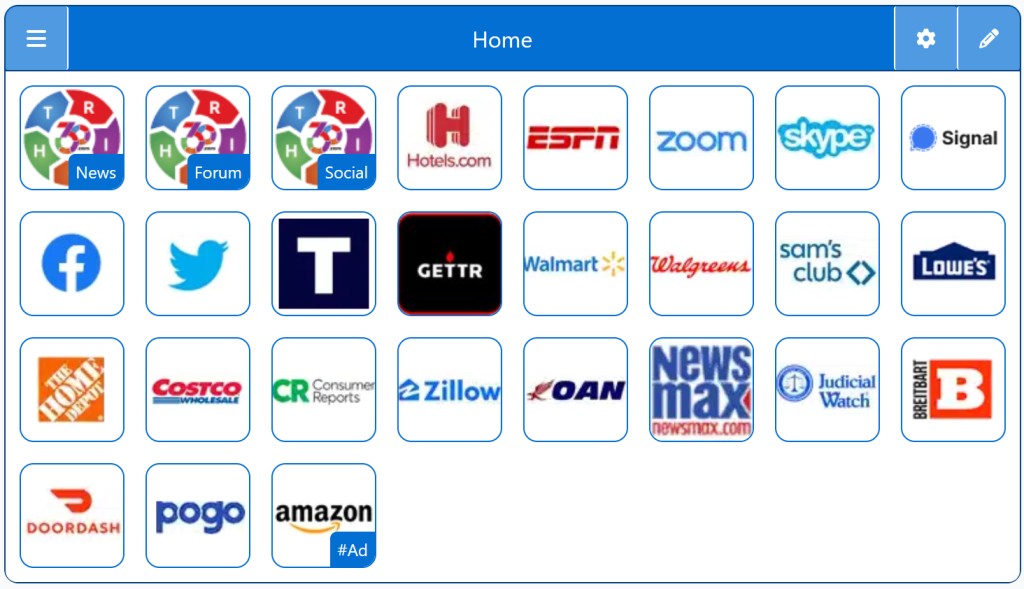
StartPage for Windows PC gives users a clean, customizable homepage optimized for Windows desktops and laptops. This StartPage organizes links, apps, and tools into a simple tile‑based dashboard that loads instantly and works across all major browsers, including Chrome, Edge, Firefox, and Brave.
Windows users want flexibility and speed. A StartPage enhances that by offering:
A clean, minimalist homepage
Faster access to your preferred search engine
A consistent experience across all browsers
A privacy‑friendly alternative to Bing defaults
A distraction‑free starting point for work or browsing
It’s the perfect foundation for any Windows setup.
What Makes Windows Unique
Windows stands out with:
Broad browser compatibility
Deep customization options
Strong multitasking features
A massive user base
Flexible system settings
A StartPage fits naturally into Windows’ customizable environment.
⭐ The Right360 Advantage
Right360 gives Windows users:
Instant access to 20+ search engines
A clean StartPage that works in every browser
The ability to switch engines without changing system settings
A unified experience across all devices
Windows gives you flexibility. Right360 gives you flexibility + choice.
Personalized StartPage
Top 1% Web Sites
Top Websites
Conservative Sources
StartPage Links/Sites
Customizable/Sharable
A Living Network of Stunning Sources
You are a part of something big; when users, just like you, find stunning sites, the cream of the crop, they suggest it for inclusion to our conservative database. The top 1% of sites, for each category, is added to our database for inclusion to your Homepage Startup Page.
The following Instructions are intended for the Chrome Browser.
Chrome Quick Set
Drag/Drop
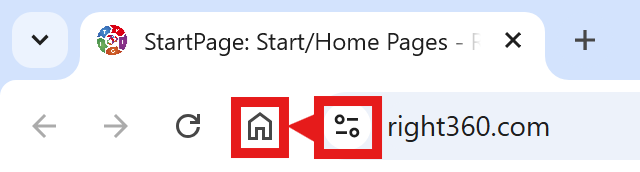
CAVEAT: Many browsers are hiding this option to keep you on their chosen site. The Video will cover how to get your Homepage Button/Icon back.
Chrome Video
Chrome Step-by-Step
With the Chrome Browser Open, perform the following:
Upper Right Corner, Find/Select the Options Button/Icon (3-dots), Slide down to Find/Select “Settings“.
On the left menu, select “Appearance”. Toggle the “Show home button”. In the “Open a specific page or set of pages”. Click “Add a new page” and enter: Right360.com or enter your customized Right360.com/URL. Click Save.