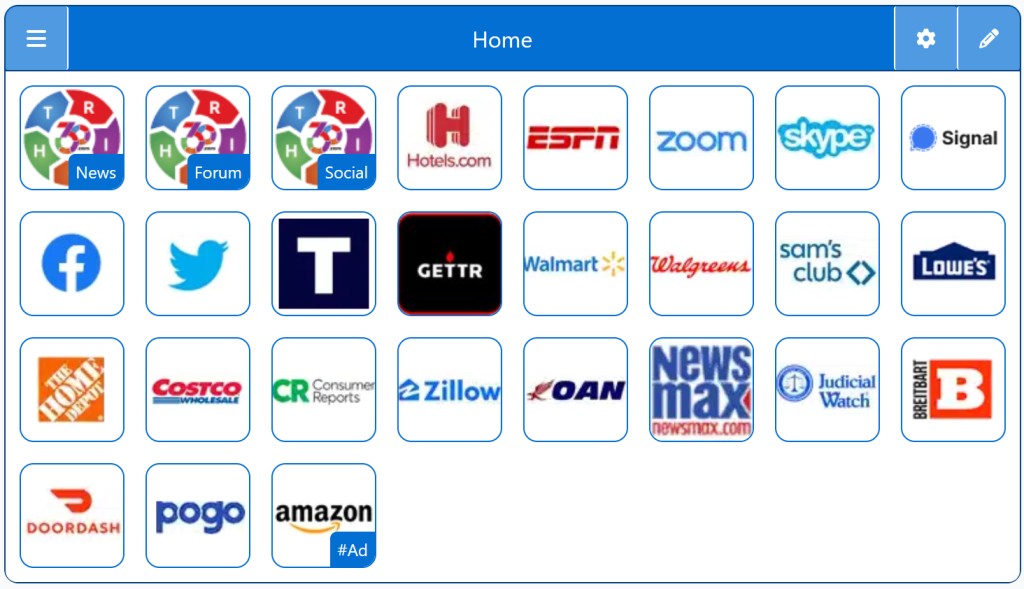
StartPage for iPhone provides a fast, mobile‑optimized homepage designed for iPhone users who want a clean, customizable dashboard. This StartPage organizes your essential links, apps, and tools into a simple tile layout that loads instantly and avoids distractions or algorithmic clutter.
This guide shows how a StartPage works on iPhone and why many users prefer it over built‑in search options. You’ll learn:
How a StartPage protects your privacy
What makes it different from standard iPhone search tools
Key benefits for everyday browsing
Why it’s a strong alternative to Google or Siri suggestions
Why This Matters
iPhones are known for strong privacy features, but your searches can still be tied to your identity through various services. A StartPage removes personal identifiers and keeps your search activity private, giving you more control over what you share — and what stays on your device.
Key Features
No tracking or profiling
Clean, uncluttered search results
Works smoothly on all iPhone models
Familiar Google‑style results without the data collection
Easy to set as your preferred search option
How It Compares
Using a StartPage on iPhone gives you:
More privacy than default search tools
A simpler, more neutral results page
No personalized ads
A consistent experience across devices
It’s a great option if you want privacy without sacrificing convenience.
Personalized StartPage
Top 1% Web Sites
Top Websites
Conservative Sources
StartPage Links/Sites
Customizable/Sharable
A Living Network of Stunning Sources
You are a part of something big; when users, just like you, find stunning sites, the cream of the crop, they suggest it for inclusion to our conservative database. The top 1% of sites, for each category, is added to our database for inclusion to your Homepage Startup Page.
The following Instructions are intended for the Chrome Browser.
Chrome Quick Set
Drag/Drop
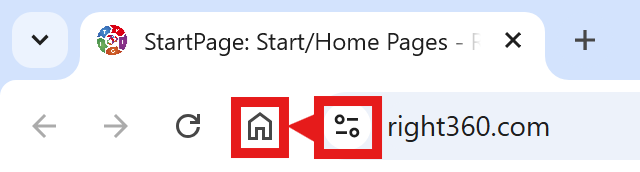
CAVEAT: Many browsers are hiding this option to keep you on their chosen site. The Video will cover how to get your Homepage Button/Icon back.
Chrome Video
Chrome Step-by-Step
With the Chrome Browser Open, perform the following:
Upper Right Corner, Find/Select the Options Button/Icon (3-dots), Slide down to Find/Select “Settings“.
On the left menu, select “Appearance”. Toggle the “Show home button”. In the “Open a specific page or set of pages”. Click “Add a new page” and enter: Right360.com or enter your customized Right360.com/URL. Click Save.