Google is the world’s most powerful search engine, but it collects and stores extensive user data. Startpage delivers Google‑quality results without the tracking, profiling, or data retention. This page compares both engines across privacy, speed, censorship concerns, conservative‑friendly results, and how each handles your personal information.
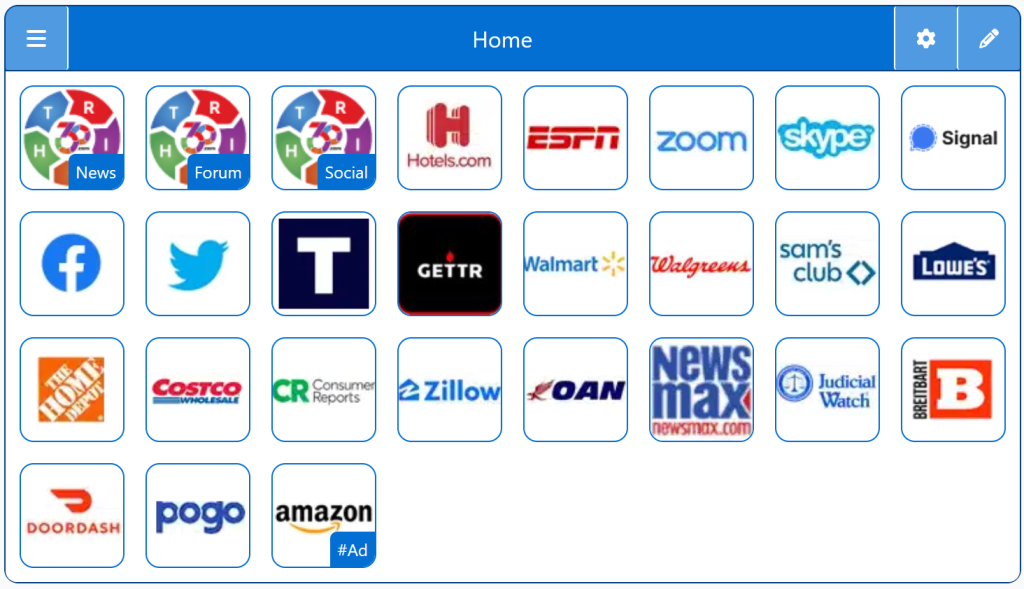
A single StartPage that adapts to your search style
You get the best of both worlds — without choosing one permanently.
Right Search Engines
Top 1% Conservative Sites
Top Conservatives
Conservative Sources
Conservative Links/Sites
Customizable/Sharable
A Living Network of Stunning Sources
You are a part of something big; when users, just like you, find Right leaning Search Engines, the cream of the crop, they suggest it for inclusion to our database. The top Search Engines are added to our Start Pages for easy access.
The following Instructions are intended for the Chrome Browser.
Chrome Quick Set
Drag/Drop
CAVEAT: Many browsers are hiding this option to keep you on their chosen site. The Video will cover how to get your Homepage Button/Icon back.
Chrome Video
Chrome Step-by-Step
With the Chrome Browser Open, perform the following:
Upper Right Corner, Find/Select the Options Button/Icon (3-dots), Slide down to Find/Select “Settings“.
On the left menu, select “Appearance”. Toggle the “Show home button”. In the “Open a specific page or set of pages”. Click “Add a new page” and enter: Right360.com or enter your customized Right360.com/URL. Click Save.