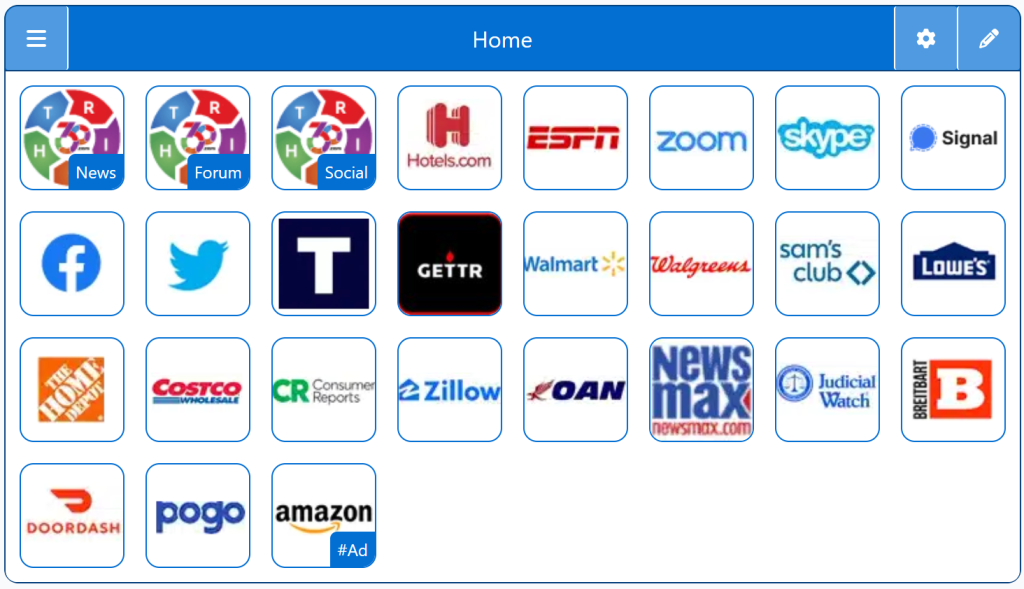
Conservative Social Platforms highlights the leading online communities where right‑leaning users connect, share news, and participate in open discussions. This guide provides an overview of popular platforms built around free‑speech principles, user‑driven content, and alternative social ecosystems outside mainstream networks.
Social platforms shape public conversation, community building, and the flow of information — but many mainstream networks enforce moderation policies, ranking systems, and content rules that conservative users may find restrictive. Free‑speech‑focused platforms offer clearer policies, transparent moderation, and independence from Big Tech influence.
Right360 brings these options together in one place so you can compare features, understand the differences, and choose a social platform that aligns with your values and communication preferences — all without digging through dozens of sites.
Top Conservative‑Friendly Social Platforms
Truth Social
A free‑speech‑focused social network.
Minimal content suppression
Familiar interface
Large conservative user base
Gab
A long‑standing free‑speech platform.
No viewpoint discrimination
Federated options (Gab Social)
Independent infrastructure
Parler(status varies)
A platform built around free expression.
Minimal moderation
Community‑driven content
Privacy‑focused policies
MeWe
A privacy‑centric social network.
No ads
No tracking
Groups, pages, and chat
Gettr
A social platform built around open dialogue.
Multimedia support
Growing user base
Free‑speech‑oriented policies
Features to Look For
When choosing a conservative‑friendly social platform, consider:
Transparent moderation policies
No viewpoint discrimination
No algorithmic suppression
Privacy‑respecting data practices
Long‑term platform stability
Active, engaged communities
Clear terms of service
A Living Network of Stunning Sources
You are a part of something big; when users, just like you, find stunning Conservative Party Sites, the cream of the crop, they suggest it for inclusion to our database. The top Conservative Party Sites are added to our Start Pages for easy access.
This browser wasn't detected. The following Instructions are intended for the Firefox Browser... maybe your browser has similar steps.
Mobile Quick Set
Drag/Drop
CAVEAT: Many browsers are hiding this option to keep you on their chosen site. The Video will cover how to get your Homepage Button/Icon back.
Mobile Video
Mobile Step-by-Step
With the Firefox Browser Open, perform the following:
Upper Right Corner, Find/Select the Hamburger Menu Icon (3-lines), Slide down to Find/Select “Settings“.
In the left column, select “Home”, then on the right, select “New Windows and Tabs”. Select “Custom URLs…” and enter: Right360.com or enter your customized Right360.com/URL. Click Save.