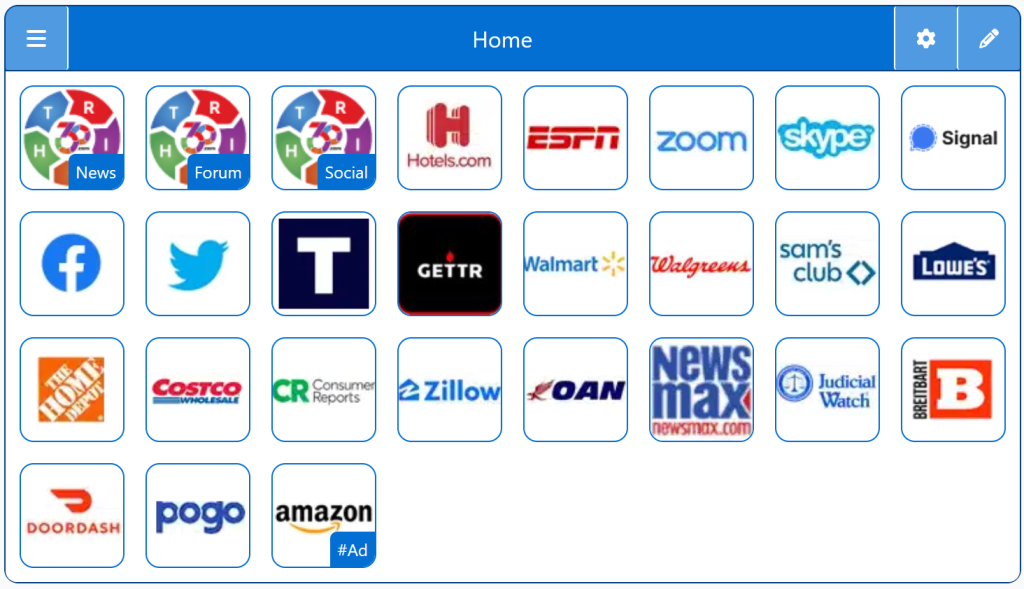
Uncensored search engines provide unrestricted access to information without political filtering or algorithmic suppression. These platforms appeal to conservatives, independents, and free‑speech advocates who want a homepage that reflects open access to diverse viewpoints. They are a strong alternative to mainstream search engines.
Search Engines:
Christian Search Engines
Why Christian Search Engines Matter
Most mainstream search engines don’t filter content based on faith or family values. Christian search engines fill that gap by offering:
Safer results for kids and teens
Filtering that blocks explicit or harmful content
Faith‑based resources and Christian‑friendly websites
A browsing experience aligned with biblical values
Peace of mind for parents, teachers, and churches
For Christian households and ministries, these engines provide a cleaner, more intentional way to search the web.
Featured Christian Search Engines
SeekFind — Christian‑filtered results with faith‑aligned resources
Christian Finder — Family‑safe search with curated Christian content
FaithBrowser Tools — Search tools designed for Christian families and ministries
KidzSearch (Christian Mode) — A safe search option for younger users
Right Search Engines
Top 1% Conservative Sites
Top Conservatives
Conservative Sources
Conservative Links/Sites
Customizable/Sharable
A Living Network of Stunning Sources
You are a part of something big; when users, just like you, find Right leaning Search Engines, the cream of the crop, they suggest it for inclusion to our database. The top Search Engines are added to our Start Pages for easy access.
The following Instructions are intended for the Chrome Browser.
Chrome Quick Set
Drag/Drop
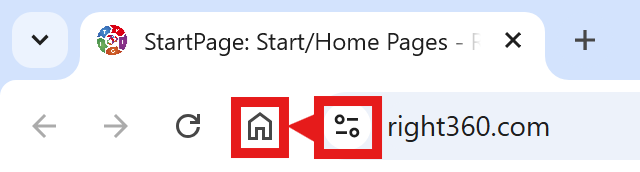
CAVEAT: Many browsers are hiding this option to keep you on their chosen site. The Video will cover how to get your Homepage Button/Icon back.
Chrome Video
Chrome Step-by-Step
With the Chrome Browser Open, perform the following:
Upper Right Corner, Find/Select the Options Button/Icon (3-dots), Slide down to Find/Select “Settings“.
On the left menu, select “Appearance”. Toggle the “Show home button”. In the “Open a specific page or set of pages”. Click “Add a new page” and enter: Right360.com or enter your customized Right360.com/URL. Click Save.